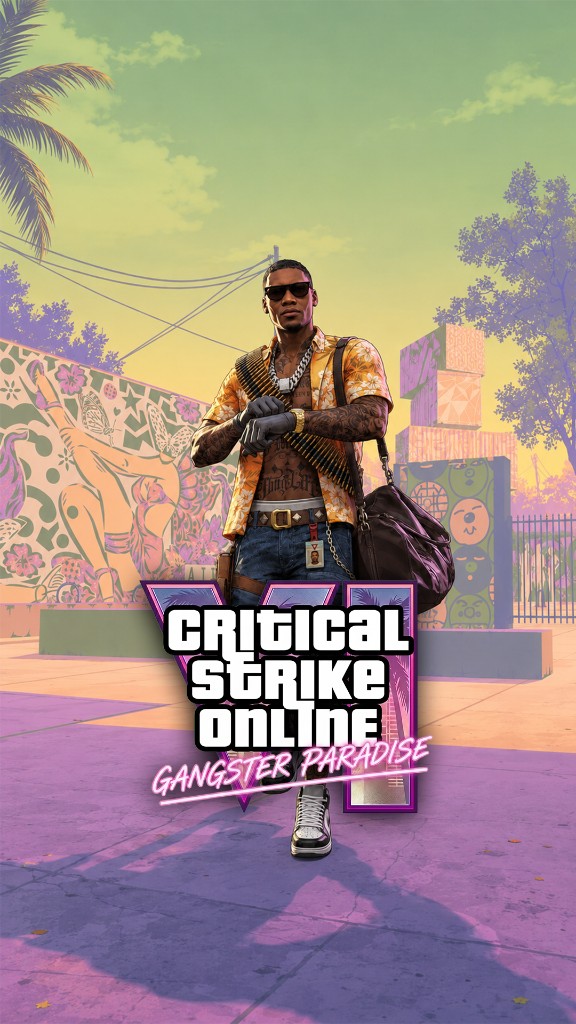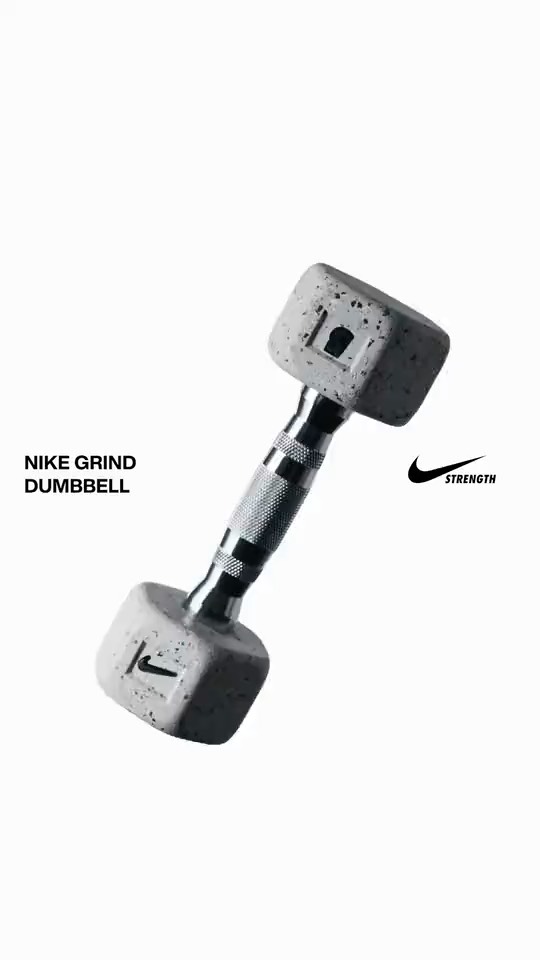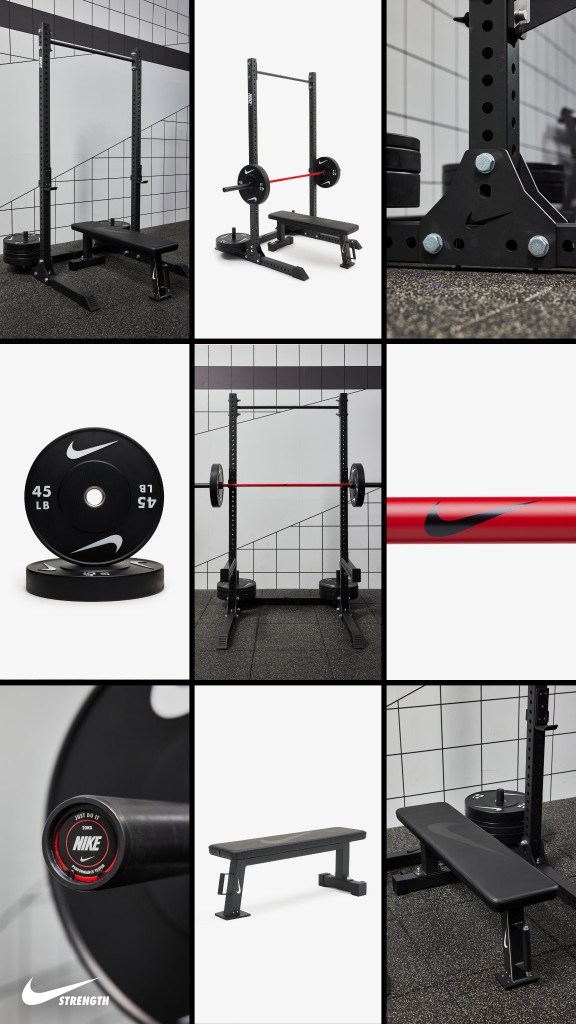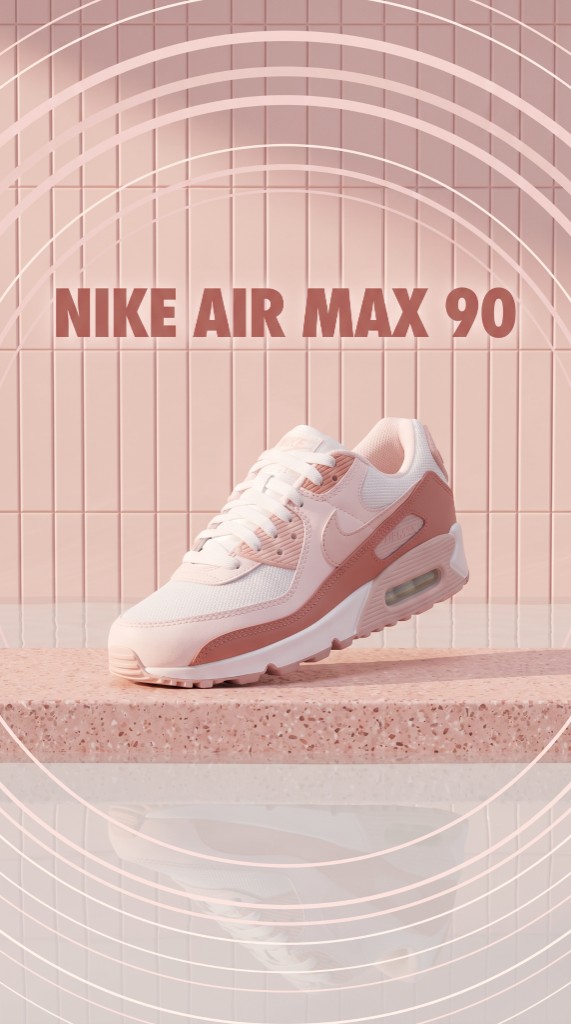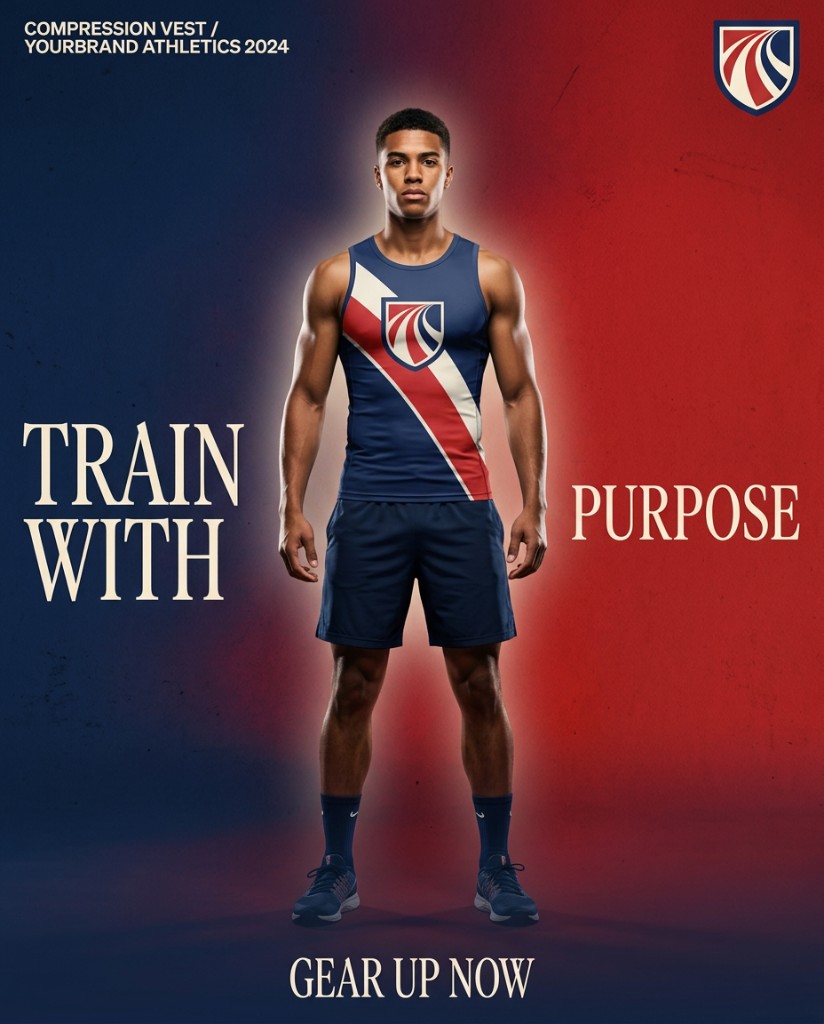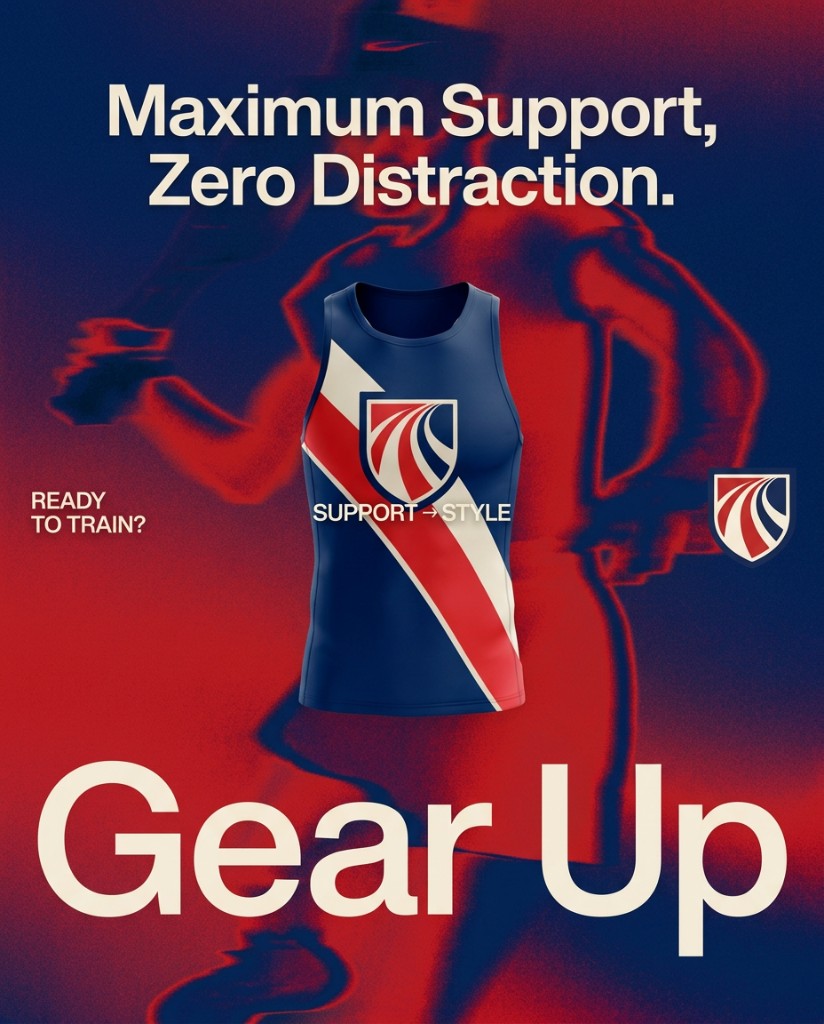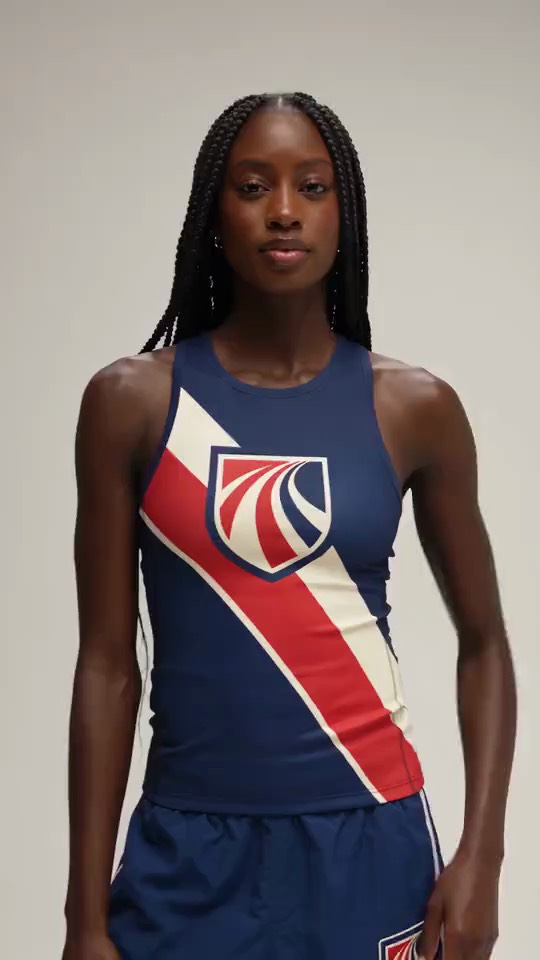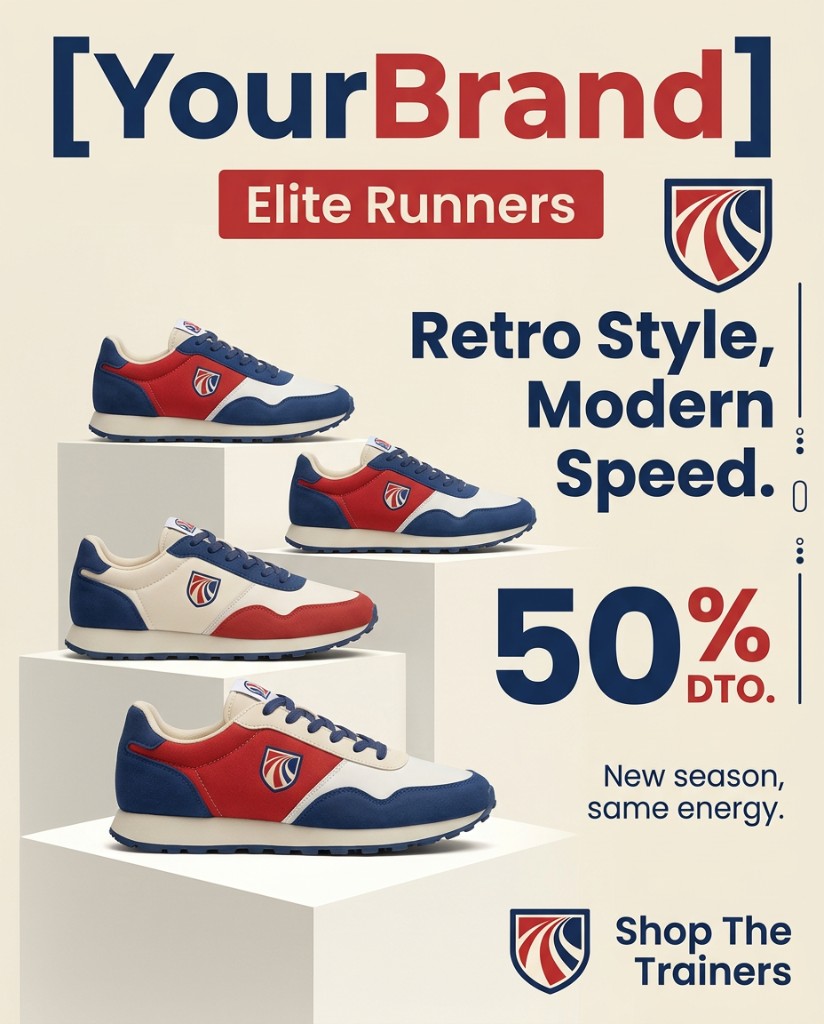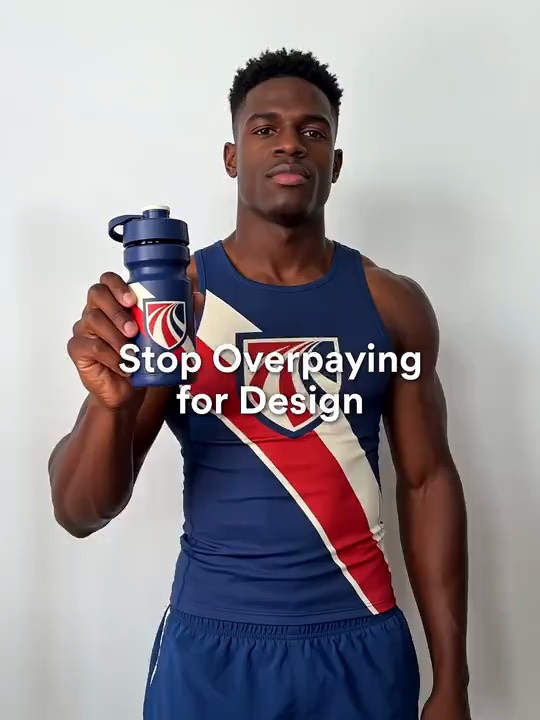
No prompt needed. Pick your options below and press Render. Add notes here if you want. Brand is off. Your ad will show βYour brandβ with the templateβs product changed.
Scan your website and AdRender pulls your brand voice, colors, logo, product images and ad copy automatically. Or upload your assets, or connect your Shopify store. No URL needed to start, and you can add your assets any time later.
Scan URLPaste your website
Upload assetsAdd logos, photos or documents
Connect Shopify storeImport your products
YourBrand
Athletic Wear

Brand colors
Brand voice
Bold, performance-driven, and motivational β short hooks that push athletes to move faster.
Products found4 items
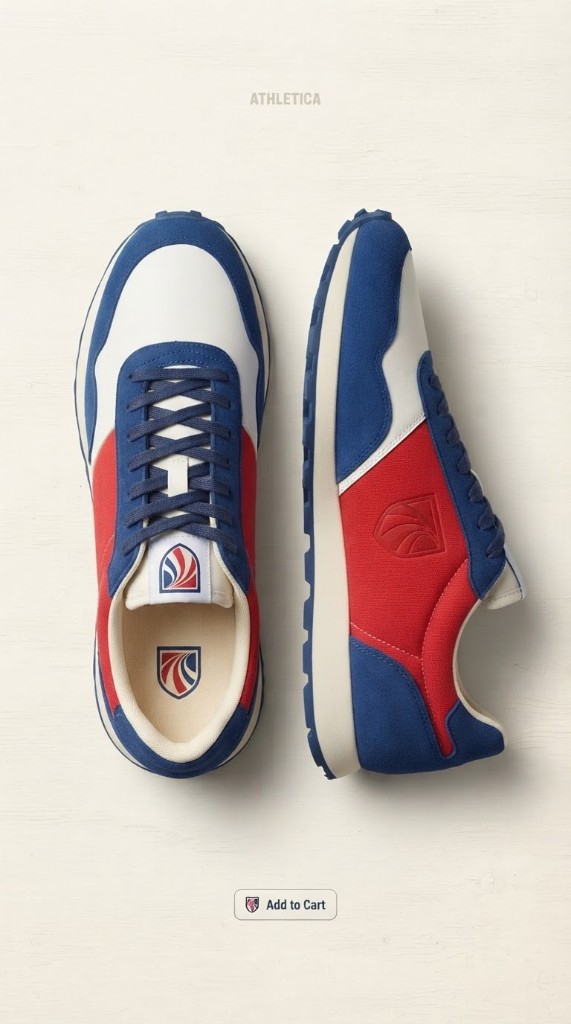
Ultra Light Runner
6 ad copies created
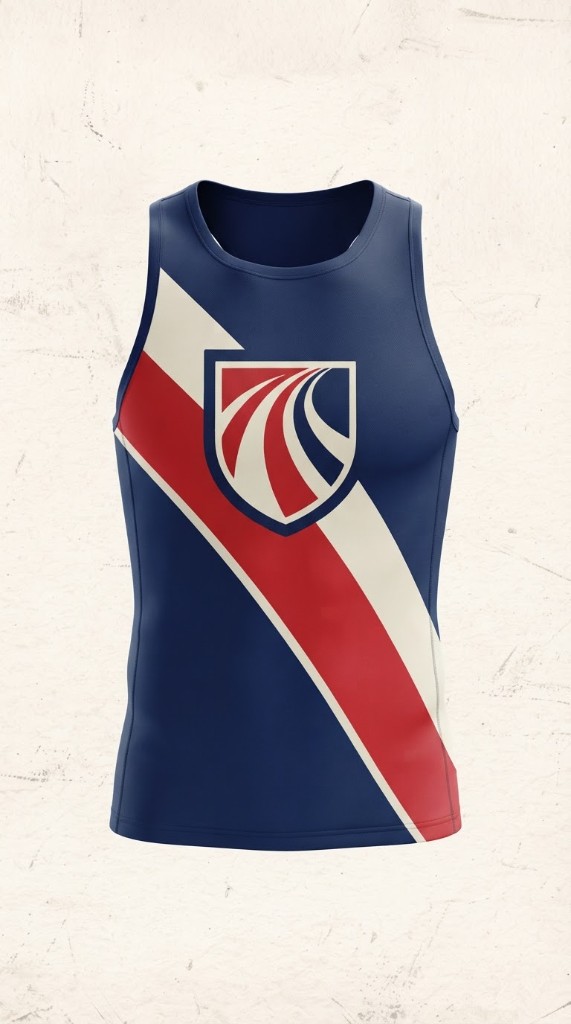
Compression Vest
12 ad copies created
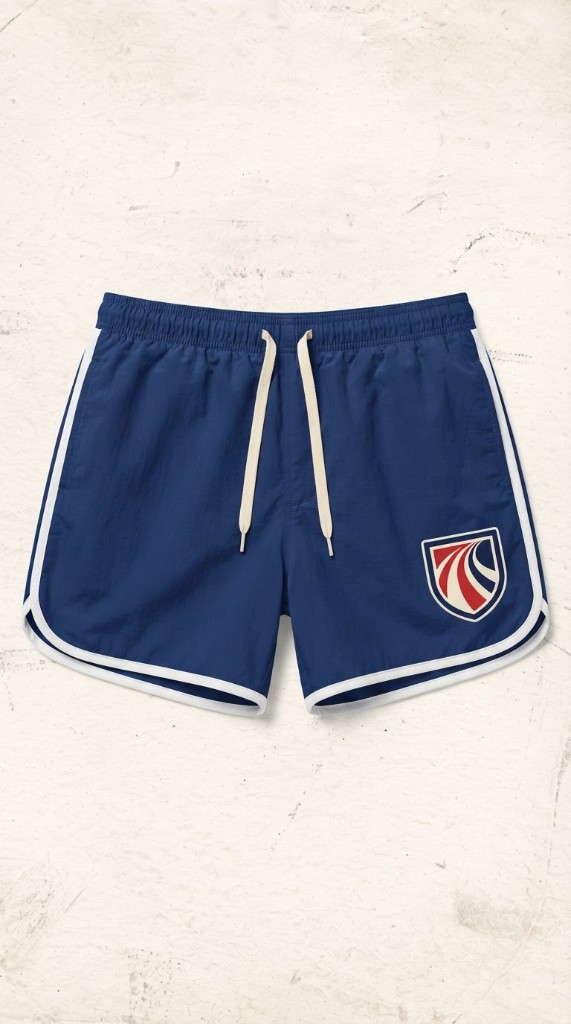
Speed Elite Shorts
8 ad copies created
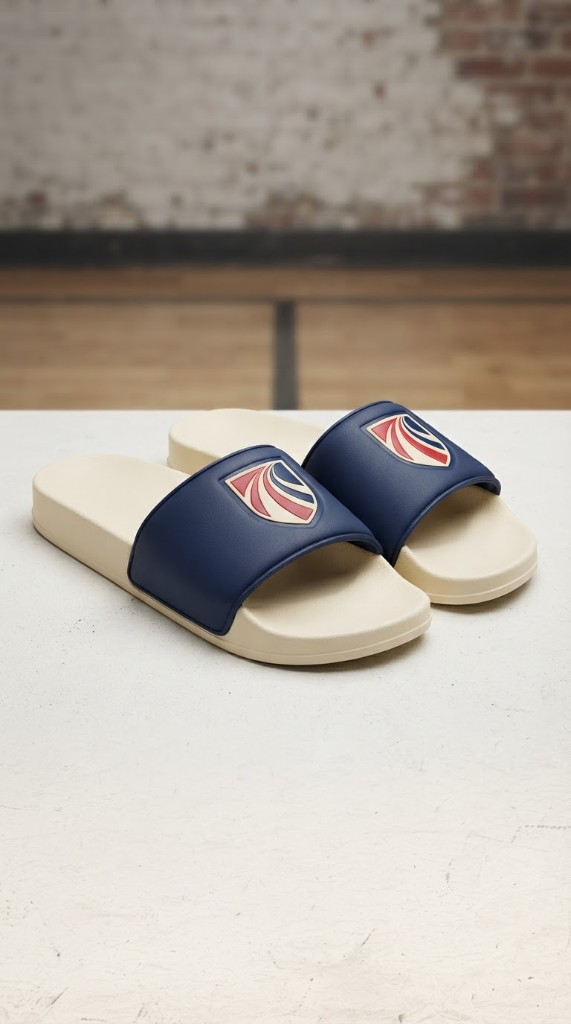
Recovery Slides
10 ad copies created
02
Choose winning templates
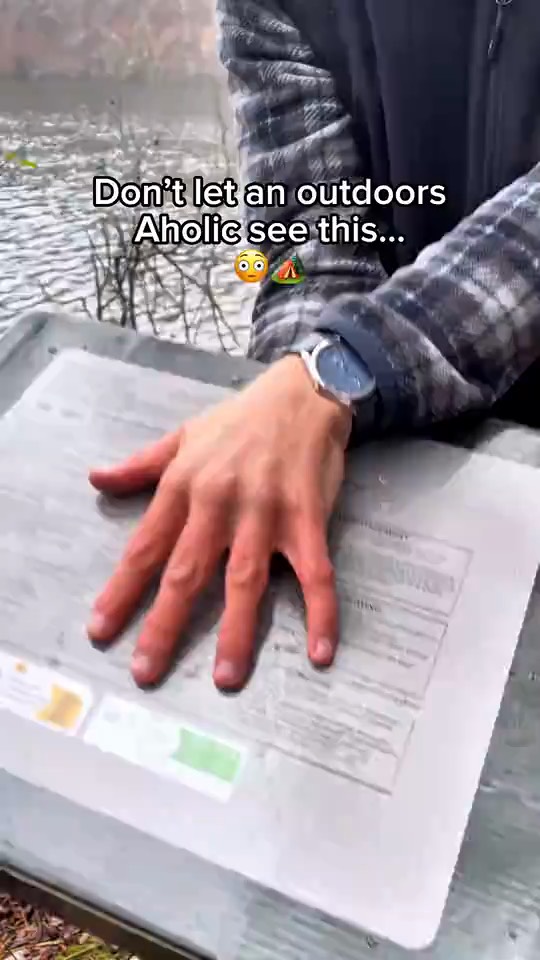
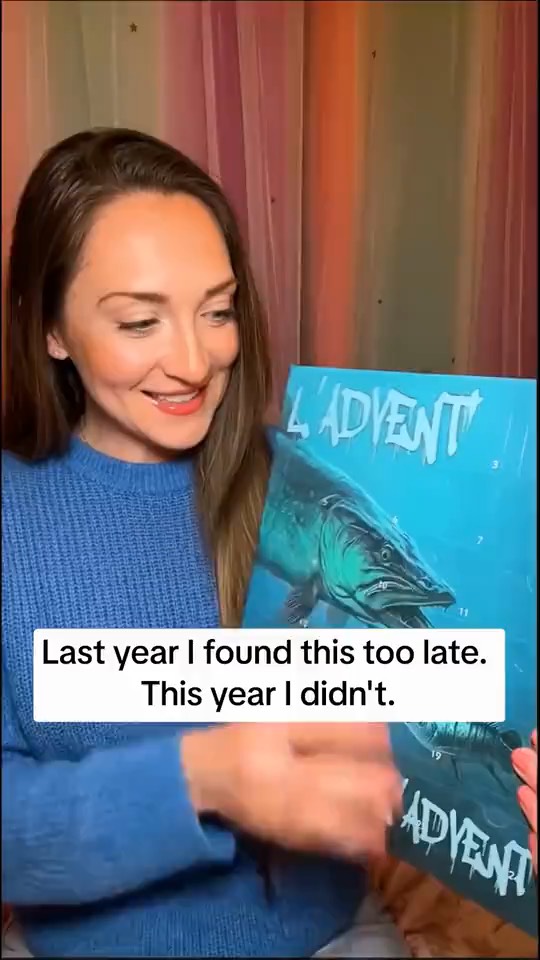
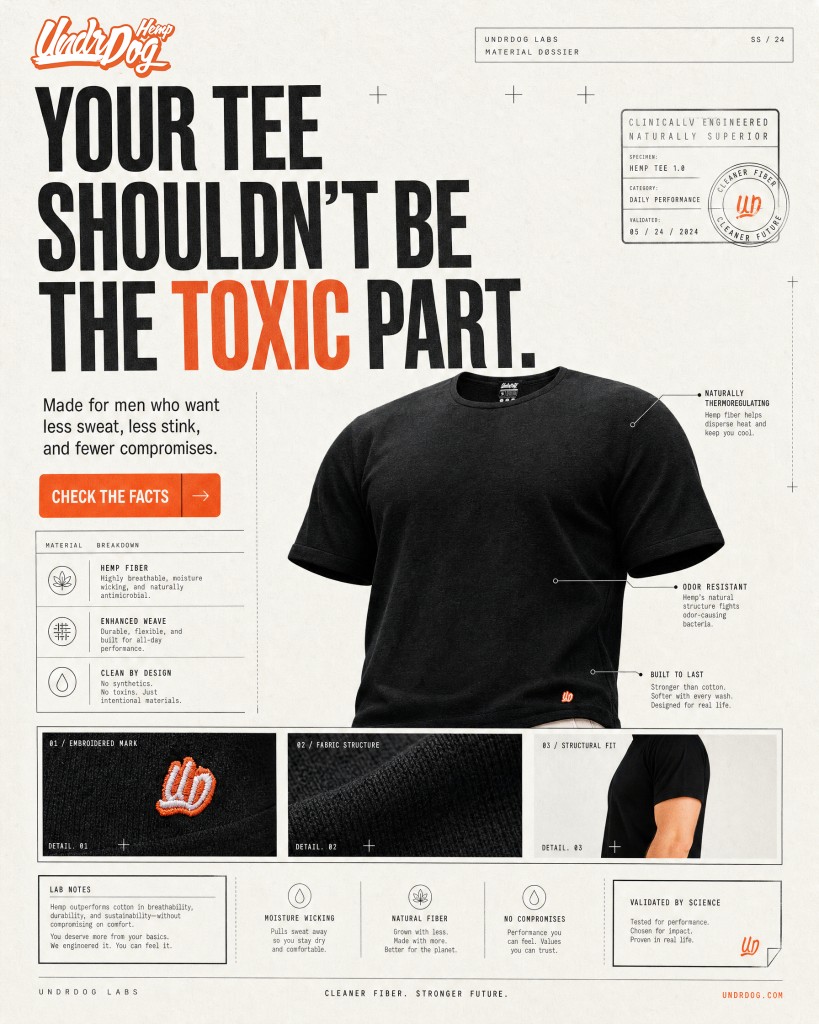
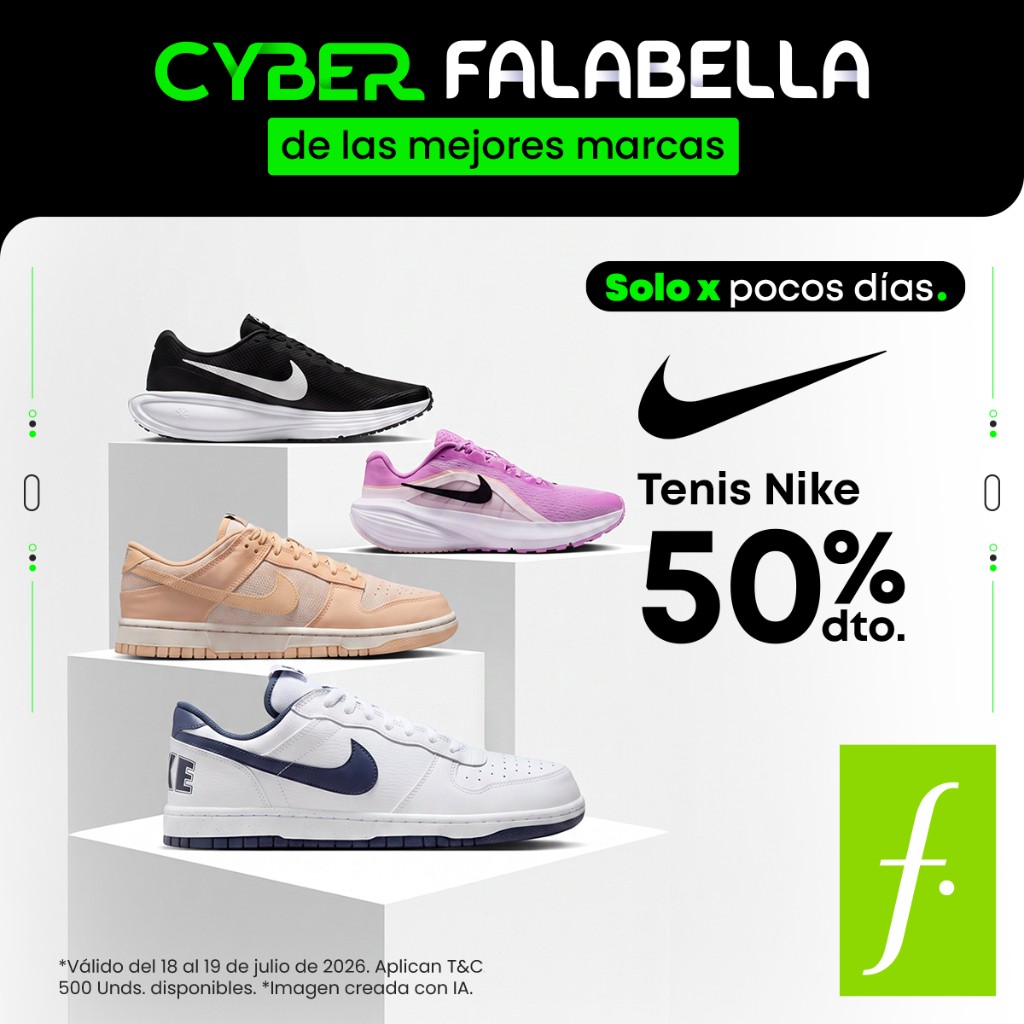
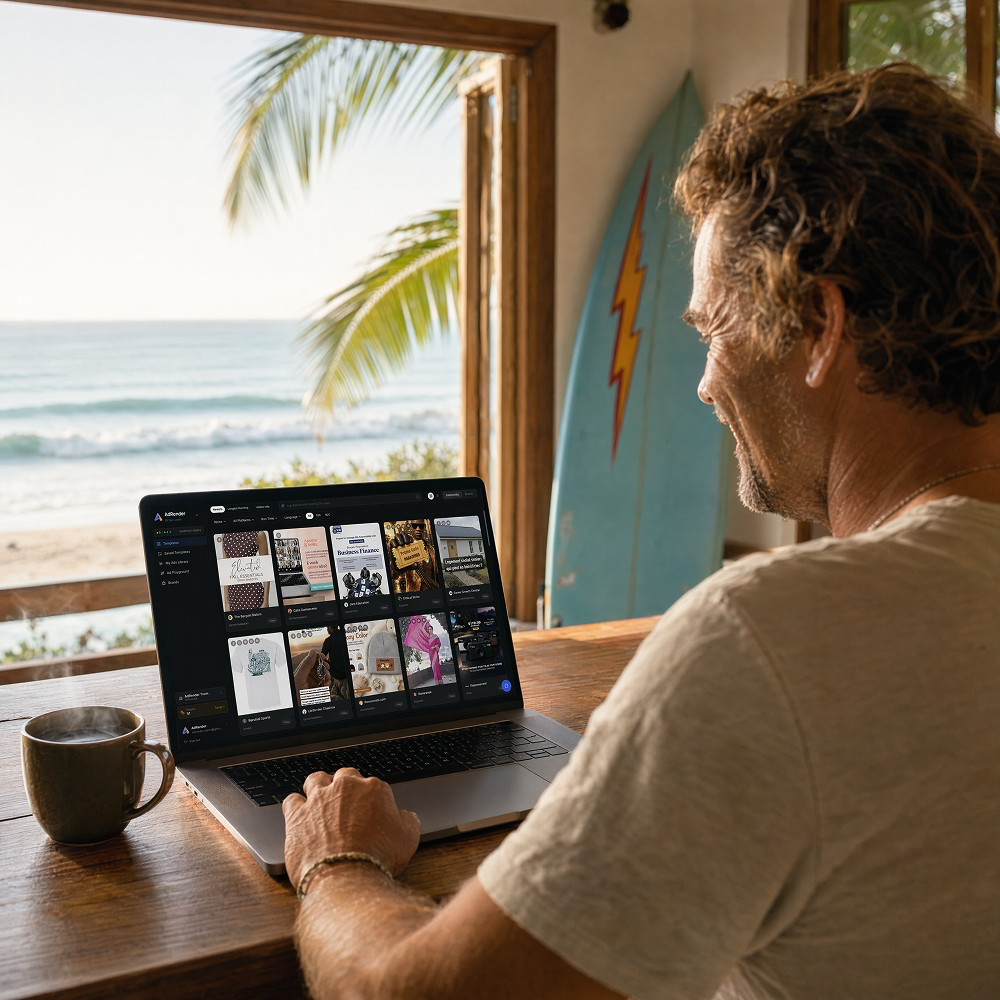
Browse what's working, then render at scale. Filter 100M+ real ads running right now by longest-running, niche, platform, and more, to see exactly whatβs working for your competitors.
03
See your ads
Finished creatives, ready to launch. Brand colors, products, and winning formats applied.
Sign up free.Choose a template. Get your ads.
You don't need a website, photos or any design skills to start. Create a free account, pick a template and render your first ads.
Feed, Stories, and Reels β rendered correctly, not cropped later.
All three placements
Feed, Stories, and Reels sizing handled automatically from the same brand setup.
Sourced from real Instagram ads
Templates pulled from currently-running Instagram ads β not adapted from elsewhere.
No manual cropping
No resizing per placement after the fact. Each shape is rendered correctly.
Static and video covered
Both formats, including Reels' native vertical video.
Three placements. Manually resizing one creative usually fails at least one of them.
Instagram alone has multiple placements with different dimensions and different visual expectations β feed, Story, Reel each want something a little different, and manually resizing one creative into all three usually produces a worse version in at least one of them.
AdRender renders each placement correctly from the start, from templates pulled from real Instagram ads.
No β each placement's sizing is handled as part of the render from the same brand setup.
Yes β sourced from real ads currently running on the platform, not adapted from elsewhere.
Yes β video output is sized and structured for Reels' native vertical format.
Placements, template source, and whether Reels video is covered.
Getting started
No. You can start for free with no credit card. You get 10 free tokens each month to test AdRender with, so you can try it for yourself before choosing a plan.
It's simple by design. It takes three easy steps: Add your brand β scan your URL, upload assets, or connect your Shopify store. Choose winning templates β Browse what's working, then render at scale. See your ads β Finished creatives, ready to launch. It's self-explanatory, so there is nothing to learn up front and nothing technical to set up.
No. You only need to know how to click. You can still write your own prompt whenever you want to.
No. A store or website URL works and lets AdRender pull in your brand automatically, but you don't need any assets to start. You can begin with neither.
Yes. Upload your own product photos, reference images and marketing documents. AdRender can pull ready-written ad copy from your documents and write new ad copy based on your content.
What you can make
Yes. Search through 100M+ real ads by niche and platform to see what competitors are running.
AdRender offers 11 ad sizes covering Facebook, Instagram, LinkedIn, Google, TikTok and more. You pick the size and your ad comes out at that size.
No. All outputs are clean, with no watermarks, on every plan including Free.
Tokens and pricing
Yes, always. If a render fails, the tokens are returned to your account.
Not on the web app's monthly plans: monthly plan tokens reset every billing cycle. Annual subscribers can carry unused plan tokens forward, up to two times their monthly amount, and anything above that is trimmed when the next monthly tokens are added. On the AdRender Shopify app, unused plan tokens roll over on paid monthly plans too, up to two times your monthly amount.
No. Top-up tokens stay on your account until you use them. Your monthly plan tokens are always spent first, so your top-ups are used last.