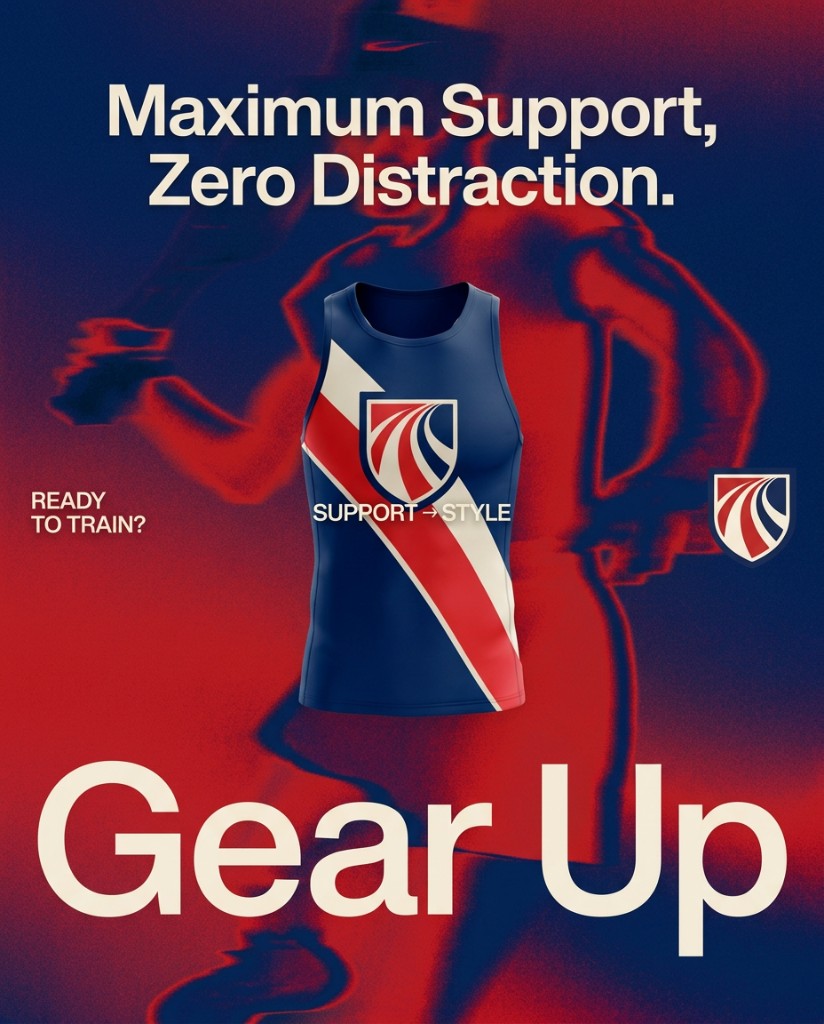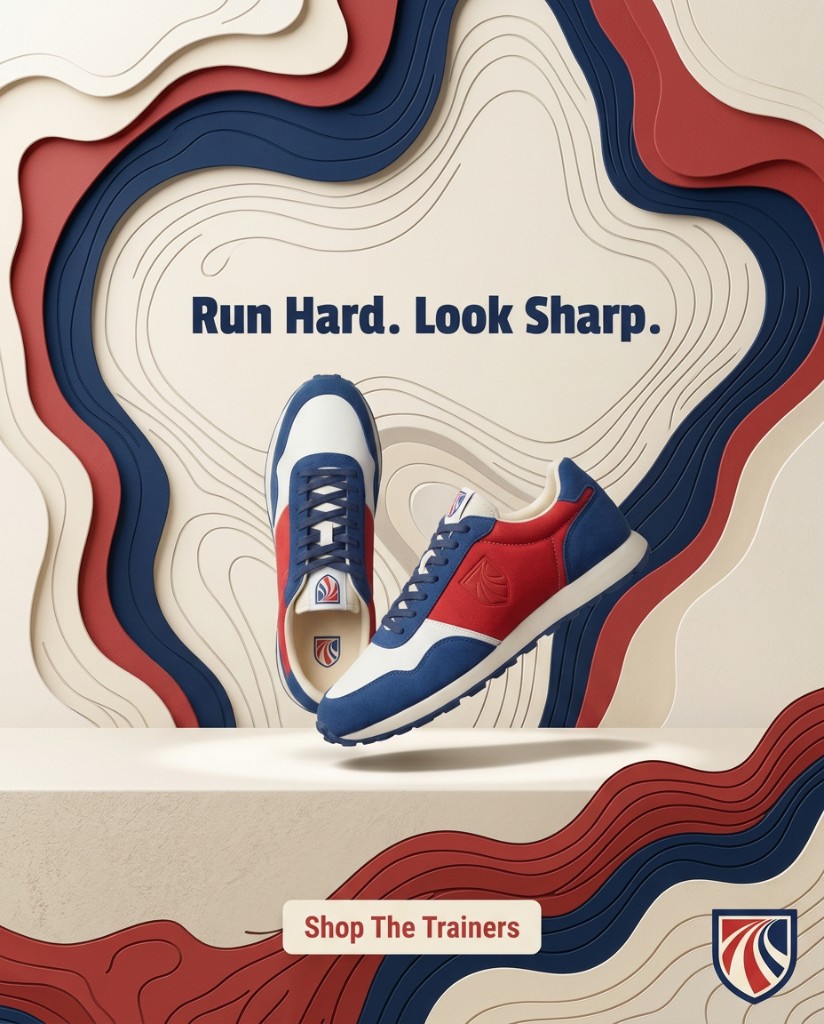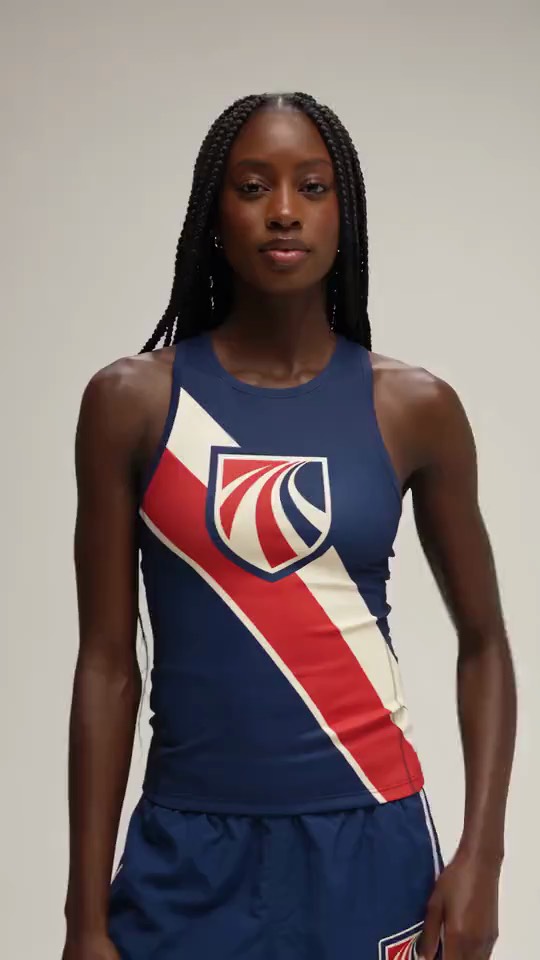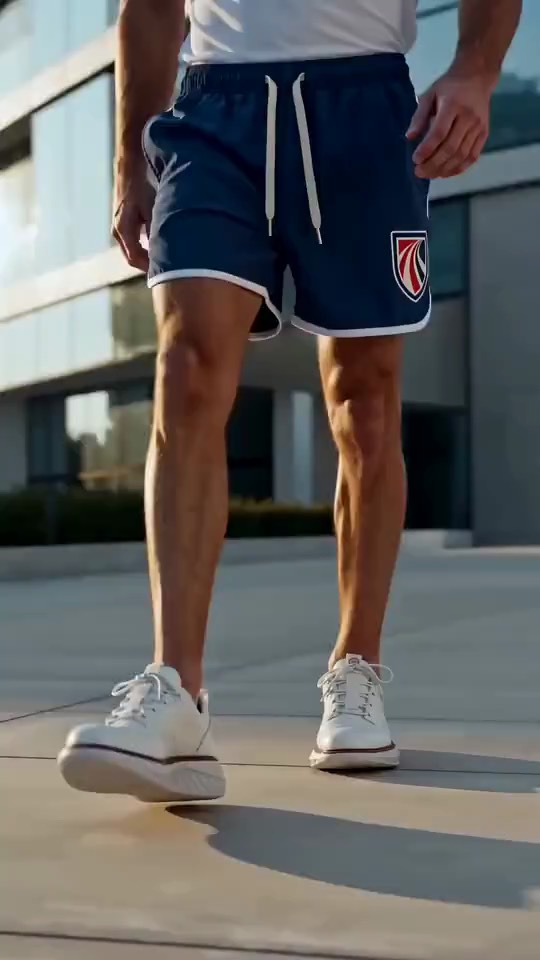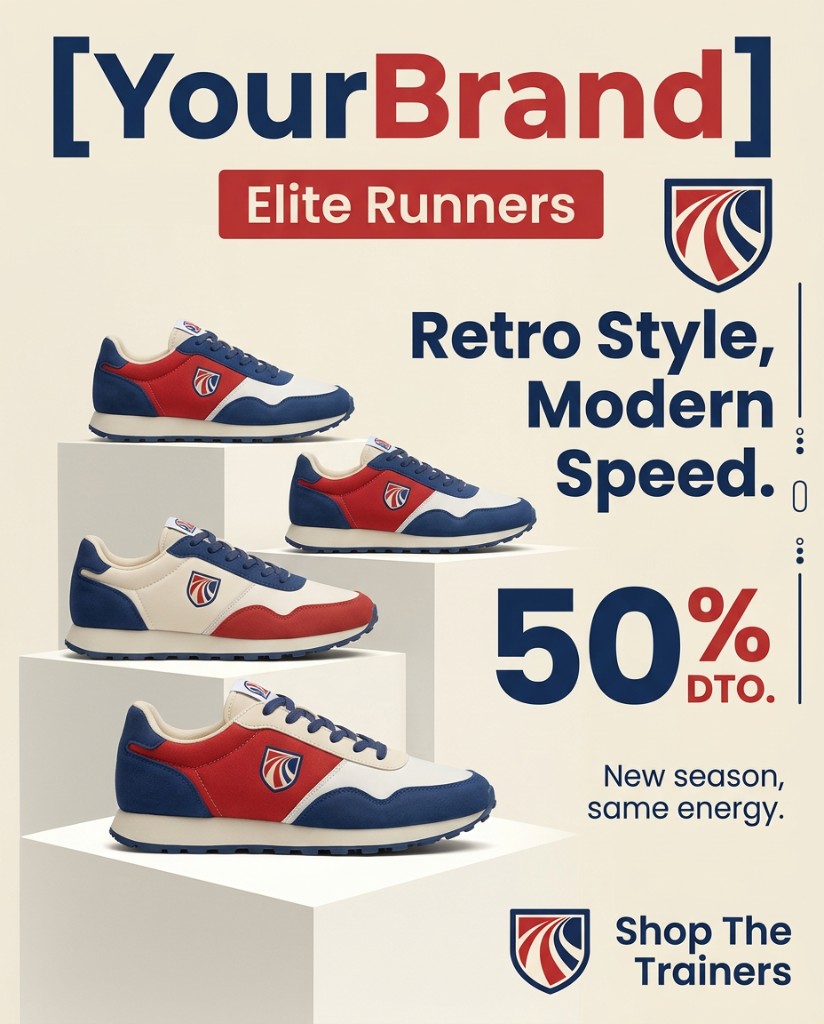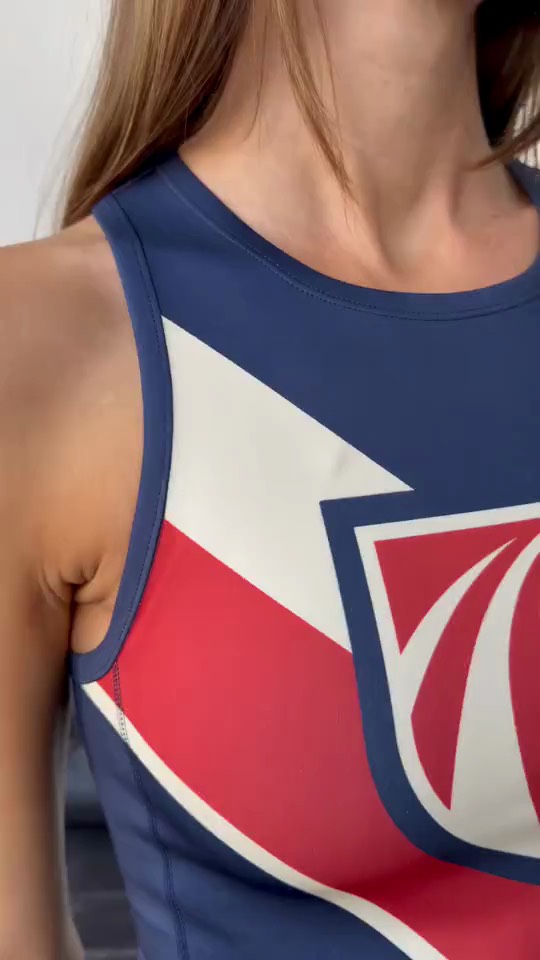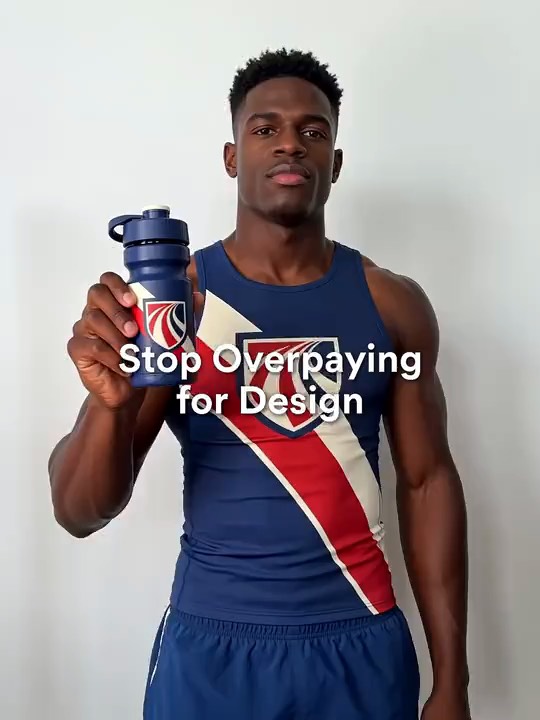
More clients. Same hours.

Deliver 5x the ad variations per gig without working 5x the hours. Take on more work without burning out.

No credit card required. No watermarks. Ever.

5x output, same hoursClient-ready in minutesStatic + video for every gig

01

Add your brand

Scan your website and AdRender pulls your brand voice, colors, logo, product images and ad copy automatically. Or upload your assets, or connect your Shopify store. No URL needed to start, and you can add your assets any time later.

Scan URLPaste your website
Upload AssetsAdd logos, photos or documents
Connect Shopify StoreImport your products

YourBrand

Athletic Wear

YourBrand logo
Brand colors

Brand voice

Bold, performance-driven, and motivational โ€” short hooks that push athletes to move faster.

Products found4 items
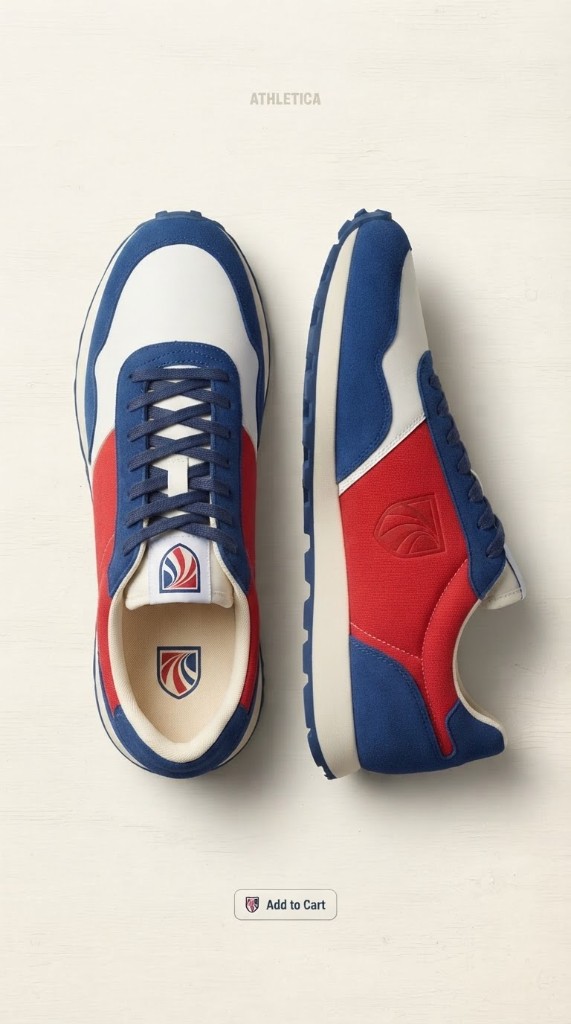
Ultra Light Runner

Ultra Light Runner

6 ad copies created
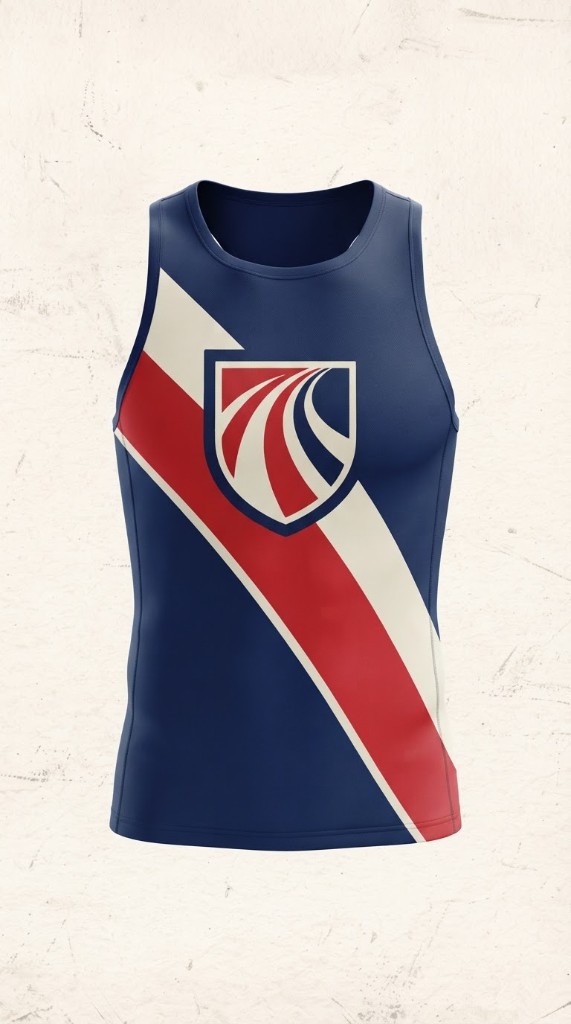
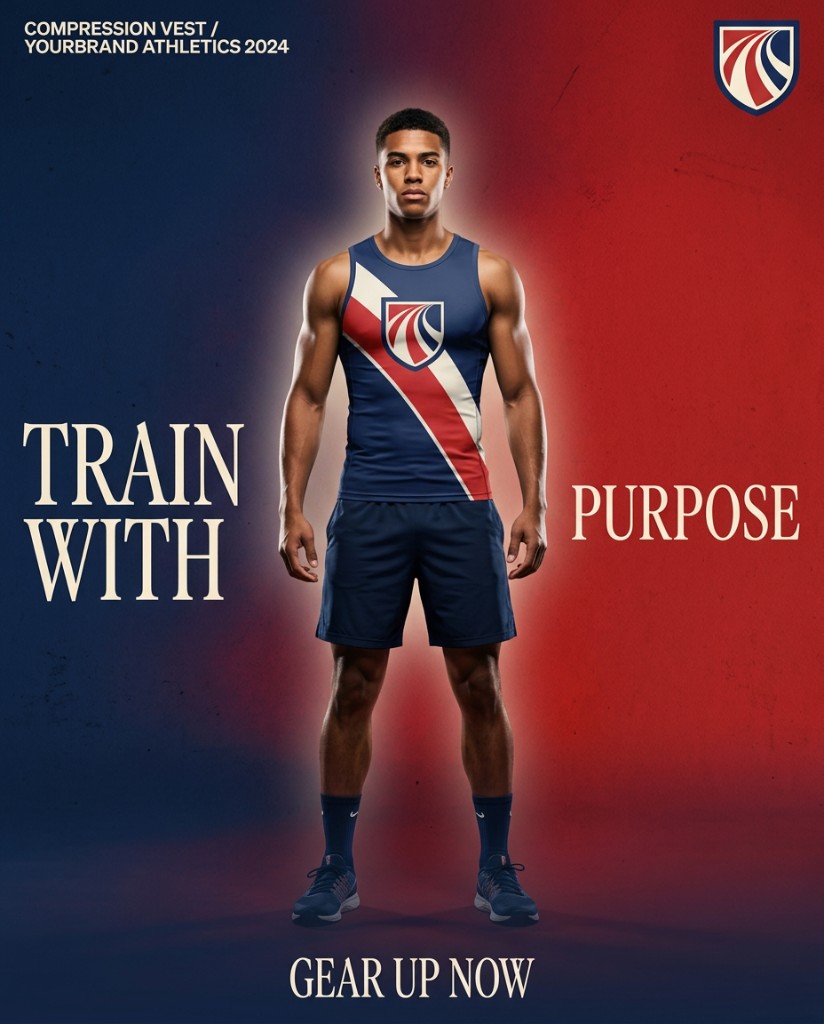
Compression Vest

Compression Vest

12 ad copies created
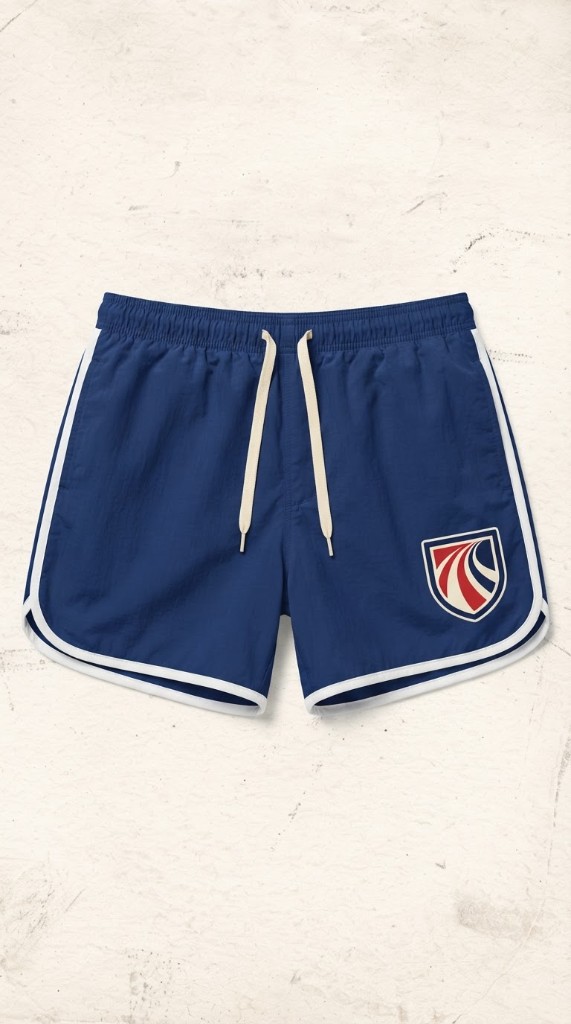
Speed Elite Shorts

Speed Elite Shorts

8 ad copies created
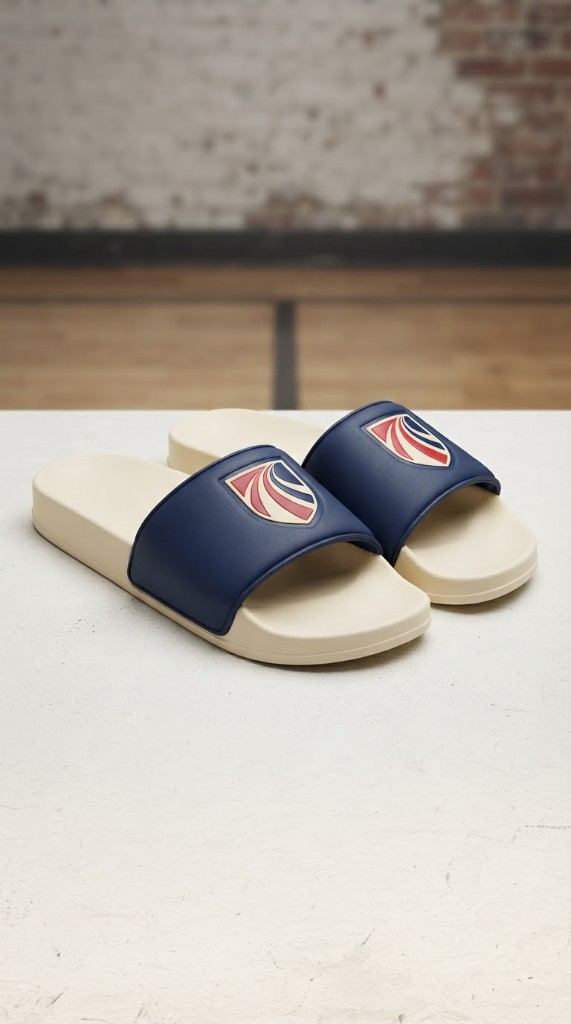
Recovery Slides

Recovery Slides

10 ad copies created
02

Choose winning templates

Browse what's working, then render at scale

Browse 100M+ real ads running right now โ€” filter by longest-running, niche, platform, and more, to see exactly what's working for your competitors.

03

See your ads

Finished creatives, ready to launch

Your ads, ready to launch โ€” brand colors, products, and winning formats applied.

NOTHING TO SET UP

Sign up free. Choose a template. Get your ads.

You don't need a website, photos or any design skills to start. Create a free account, pick a template and render your first ads.

Start free โ†’

Using Shopify? Get the native app

A native Shopify app, separate from the web app but working in a similar way.

Install from the Shopify App Store, your products connect automatically, and billing goes through Shopify.

Unused plan tokens roll over on paid plans.

More gigs. Same hours. Same quality bar.

Client brand in. Variations out. You stay on direction and finish.

Client brand, applied automatically

Pick a proven template, then pull their colors, logo, and product shots from their site or Shopify store โ€” no rebuilding a kit by hand each gig.

Client-ready in minutes

Static and video variations from the same flow, no prompting โ€” ready to send, not a rough you still have to rebuild.

Concept before you commit hours

Render direction options first so the client can pick a path before you spend a day on a full build.

Take more clients without more hours

Production volume stops being the cap on how many gigs you can actually take.

The ceiling was production speed. Never skill.

After ten years designing app interfaces, I know what it's like to be capped by production speed, not skill.

Freelance ad designers face the same wall โ€” clients always want more variations to test, and manual production is what limits how many gigs you can actually take.

AdRender exists to remove that ceiling.

โ€” Marc Lawrence, Founder

[IMAGE 06] Founder story

Simple pricing. Serious output.

Choose monthly or annual.

MonthlyAnnual (20% off)+ 2 months token carry-over

Questions, answered

Client work, your skills, and whether the output looks generated.

Can I use this for client work, not just my own brand?

Yes, set up a brand profile per client and render on-brand variations for each one.

Does this replace my design skills?

No, it removes the production ceiling so your skills go further โ€” you're still choosing, directing, and refining the output.

Can clients tell it's AI-assisted?

Templates come from real, currently-running ads, not a generic AI look โ€” output is built to read as intentional, client-ready work.

Do I need a credit card to start?

No. You can start for free with no credit card. You get 10 free tokens each month to test AdRender with, so you can try it for yourself before choosing a plan.

How hard is it to learn AdRender?

It's simple by design. It takes three easy steps: Add your brand โ€” scan your URL, upload assets, or connect your Shopify store. Choose winning templates โ€” Browse what's working, then render at scale. See your ads โ€” Finished creatives, ready to launch. It's self-explanatory, so there is nothing to learn up front and nothing technical to set up.

Do I need design or prompting skills?

No. You only need to know how to click. You can still write your own prompt whenever you want to.

Do I need a Shopify store or website to start?

No. A store or website URL works and lets AdRender pull in your brand automatically, but you don't need any assets to start. You can begin with neither.

Can I upload my own product images and marketing documents?

Yes. Upload your own product photos, reference images and marketing documents. AdRender can pull ready-written ad copy from your documents and write new ad copy based on your content.

Can I see what my competitors are advertising?

Yes. Search through 100M+ real ads by niche and platform to see what competitors are running.

What sizes can I create?

AdRender offers 11 ad sizes covering Facebook, Instagram, LinkedIn, Google, TikTok and more. You pick the size and your ad comes out at that size.

Is there a watermark?

No. All outputs are clean, with no watermarks, on every plan including Free.

Are failed renders refunded?

Yes, always. If a render fails, the tokens are returned to your account.

Do my monthly tokens roll over?

Not on the web app's monthly plans: monthly plan tokens reset every billing cycle. Annual subscribers can carry unused plan tokens forward, up to two times their monthly amount, and anything above that is trimmed when the next monthly tokens are added. On the AdRender Shopify app, unused plan tokens roll over on paid monthly plans too, up to two times your monthly amount.

Do top-up tokens expire?

No. Top-up tokens stay on your account until you use them. Your monthly plan tokens are always spent first, so your top-ups are used last.

Take the next gig without adding hours.

More variations per client. Same week. Same quality bar.

Start Free

No credit card required. No watermarks. Ever.